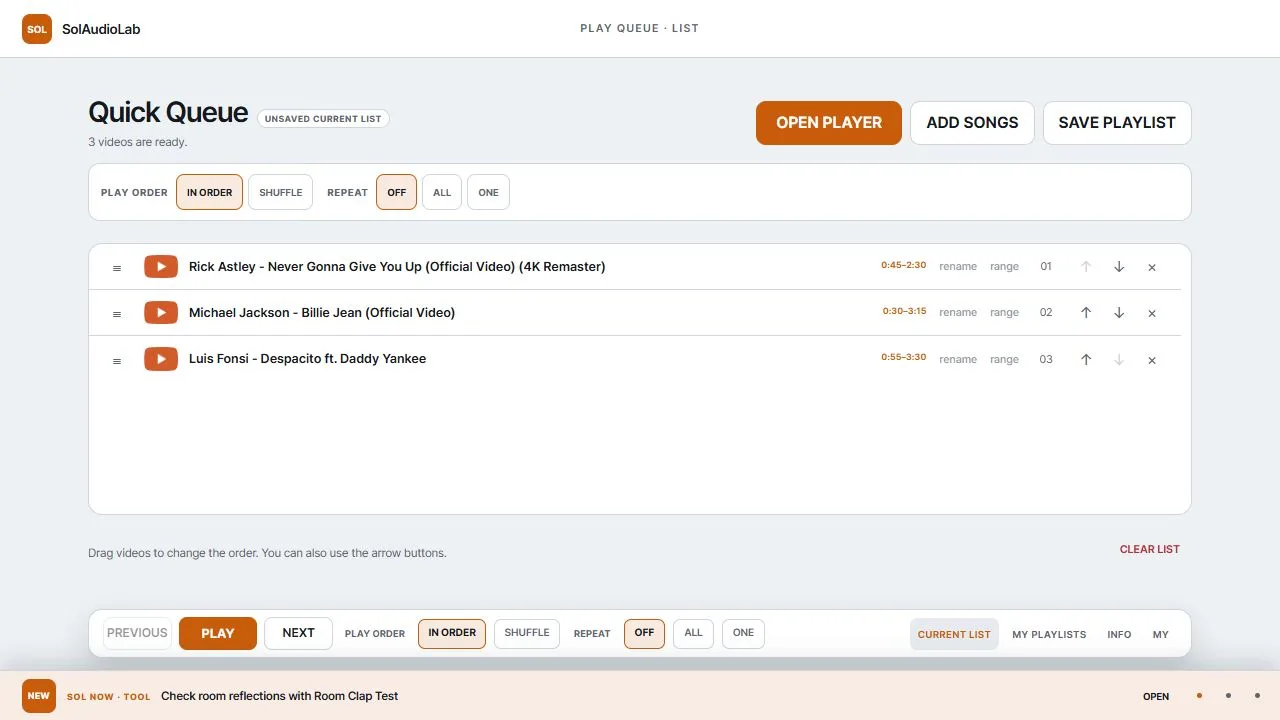
Play Queue is a free desktop browser tool for turning YouTube videos into a playlist you can arrange and play your way. Start with individual video links or import one public or unlisted YouTube playlist, then edit the order without rebuilding the list on YouTube.
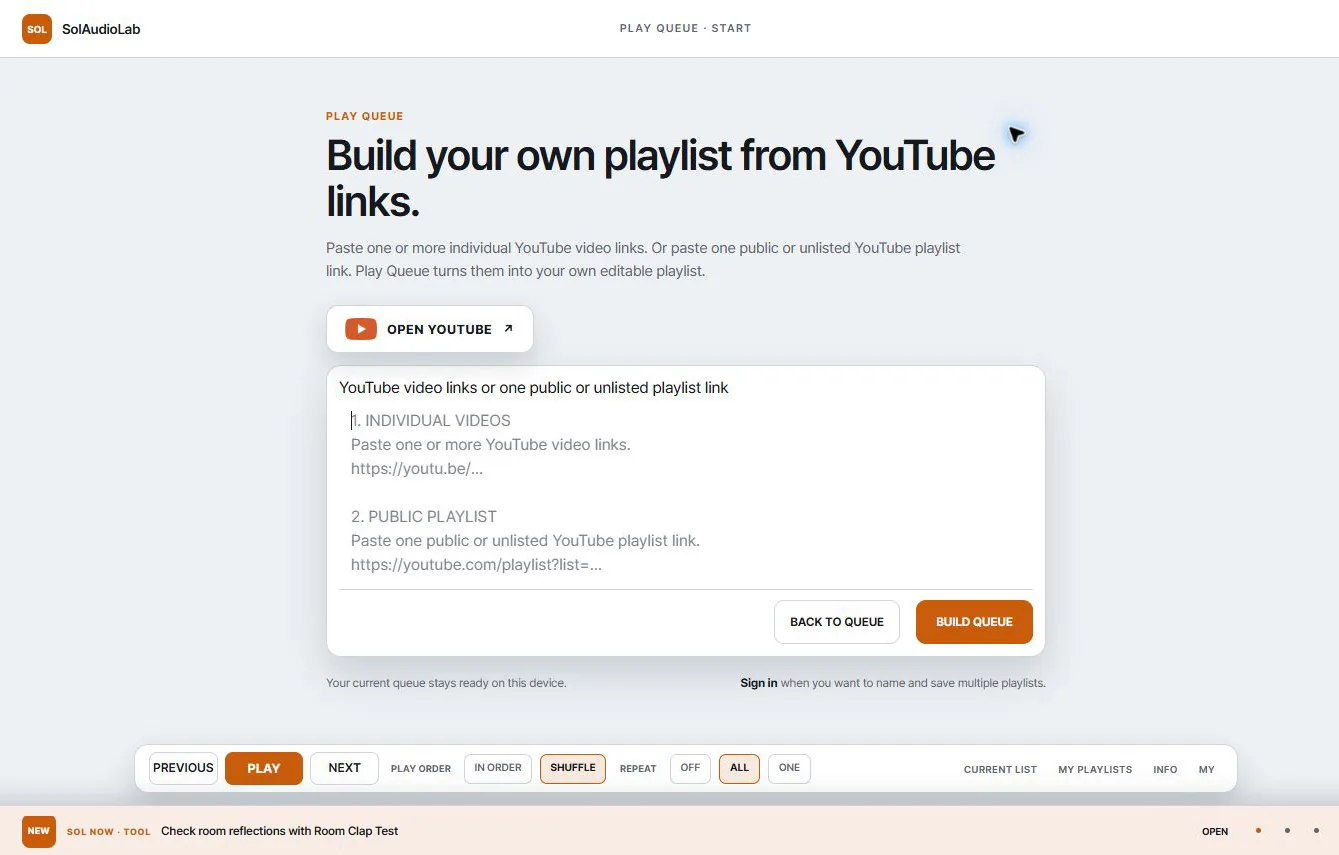
What can you do with Play Queue?
- Paste one or more individual YouTube video links.
- Import all available videos from public YouTube playlist.
- Reorder, rename, or remove items from your queue.
- Choose in-order or shuffle playback and set repeat options.
- Sign in with Google to name playlists and save them in My SolAudioLab.
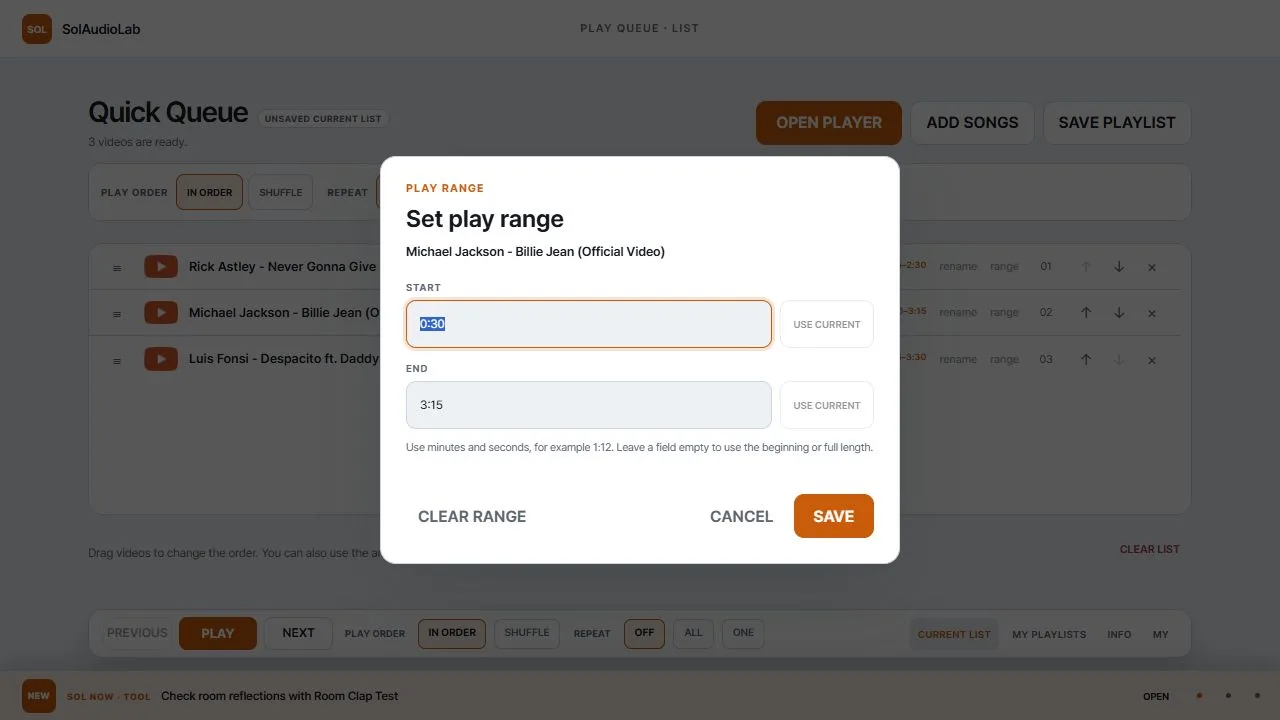
Set a different play range for every video
Play Queue works like a familiar music playlist, but it becomes especially useful when you only need part of each video. Set a separate start and end point for any item, and Play Queue plays that selected section before moving to the next item.
There is no need to download, cut, or re-export the source video. The videos stay on YouTube while your playlist stores the order and the ranges you chose.
Useful for music, learning, and reference work
- Music playlists: collect favorite performances, songs, and practice tracks.
- Education: organize the useful parts of lectures, tutorials, and demonstrations.
- Reference work: connect selected scenes from product videos, performances, interviews, or visual research.
A simple four-step workflow
- Paste individual video links or one public or unlisted playlist link.
- Arrange the videos in the order you want.
- Add a start and end point wherever only one section is needed.
- Play the queue, or sign in with Google to save it for later.
Start with a convenient playlist for the music you enjoy. When you need to select only the useful moments from long performances, lessons, or tutorials, the real strength of Play Queue becomes clear. Without editing the videos, you can connect the order and sections you need and turn videos scattered across YouTube into a playlist that works as your own ready-to-play resource.