# Protect Your SolAudioLab Work with Google Sign-In
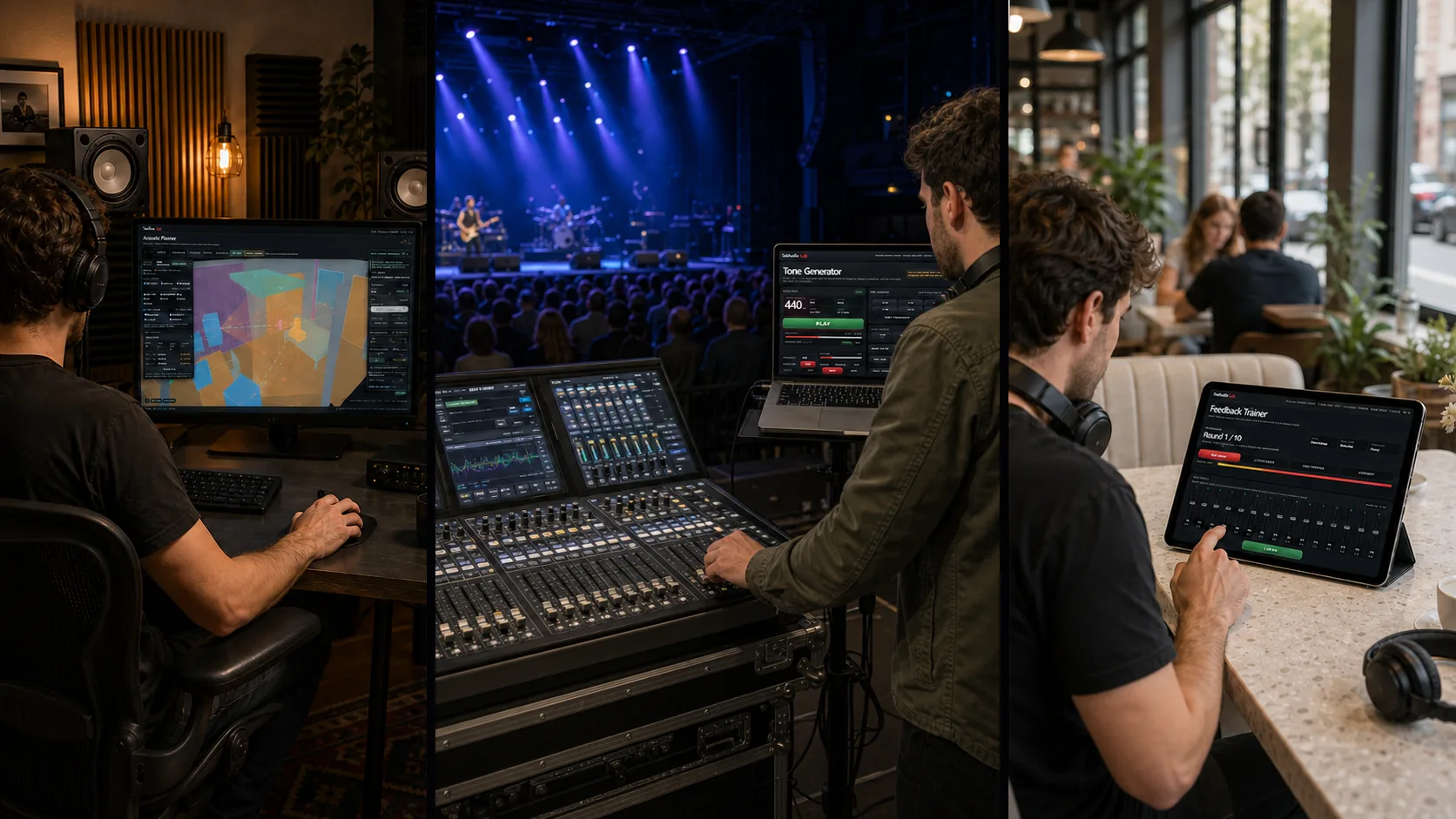
Your SolAudioLab work should not disappear when you change browsers or devices.
Browser saves are fast and convenient. However, they usually belong to the browser and device where you created them. They may disappear if you clear site data, reset a device, use automatic browser cleanup, or move to another browser.
A simple setting may take only a few seconds to rebuild. A detailed rhythm pattern, live-show setlist, listening record, analysis result, or room project may take much longer.
SolAudioLab provides Google sign-in for one reason. It helps you keep the work you create and continue using it on another signed-in device.
Create your own SolAudioLab home
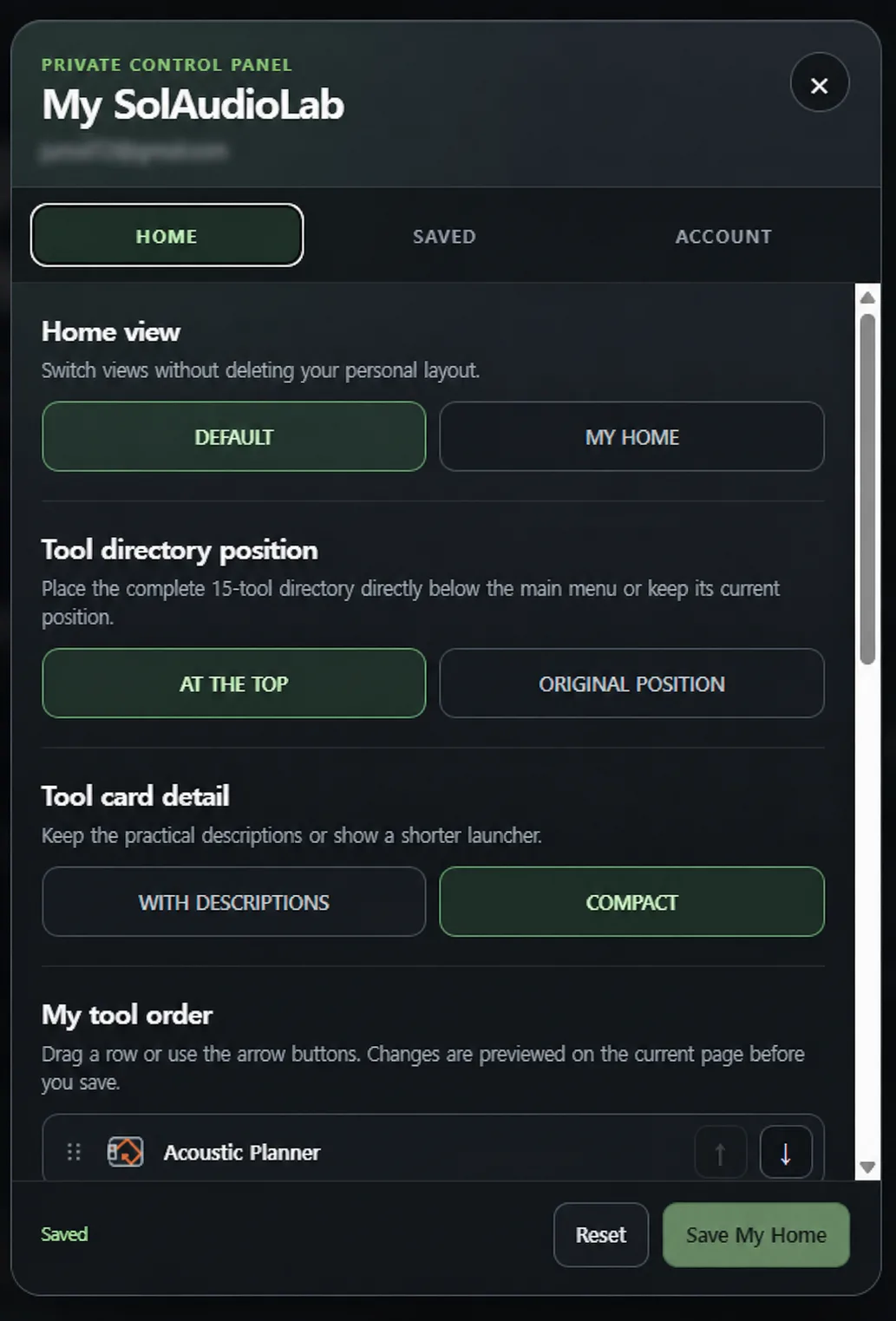
After you sign in, the MY indicator becomes active in the main navigation. You can open the private control panel without leaving the current page.
The HOME tab lets you create a personal SolAudioLab home screen.
You can move the complete tool directory near the top of the home page. You can keep the practical tool descriptions or use compact cards. You can also arrange the 15 tools in the order that works best for you.
Your changes are previewed before you save them. You can switch between the standard home screen and your personal layout without deleting your choices.
The saved layout follows your account. You can open SolAudioLab on another signed-in device and return to the same tool order and home view.
Find your recent work from any page
The SAVED tab shows how many private items you have stored and how much space they use. It also lists recently updated work with the related tool and date.
You can open a recent item in its connected tool or open the complete My SolAudioLab workspace.

The full workspace organizes your private data by tool. It shows useful summaries such as recent patterns, training results, setlists, room checks, analysis records, and projects.
One account can store up to 500 items and use up to 10 MB. This space is designed for settings, results, patterns, notes, and project data. It is not a general storage drive for large audio files.
Keep work from 15 connected tools
Google sign-in connects private saves across 15 SolAudioLab tools.
Practice and music tools
Feedback Trainer can keep completed training results, recent scores, and practice focus information.
Drum Machine and Rhythm Creator can save patterns so you can continue editing or practicing on another device.
Metronome can save setlists and build a private history from completed practice timers.
Tuner can keep your instrument, tuning, and reference-pitch setups.
Capo Finder can save song information, capo positions, playable chords, setlists, and notes.
Listening and audio-system tools
Reference Tracks can save track lists, notes, and loop points. Local audio files are not uploaded as part of the private playlist.
Virtual Headphones can keep your headphone list, favorite targets, comparison settings, and model notes.
Room Clap Test can save room checks with positions, devices, and change notes.
Speaker Test can save an output choice, a safe starting level, a source order, and setup notes.
Speaker System Check can keep listening checklists, wiring or polarity notes, problem frequencies, and recheck dates for each audio system.
Tone Generator can save named tone and sweep presets. It can also transfer supported browser frequency lists after you review them.
Analysis and planning tools
Audio Analyzer can keep analysis records, output presets, and connections to reports that you created. The private save does not store your original audio as a general cloud file.
Acoustic Planner can save complete room projects. You can continue editing a project on another signed-in desktop or notebook computer. Local Virtual Listening audio is not uploaded with the project.
Delay Time Calculator can save timing presets with tempo, time signature, equipment or plug-in details, and notes.

Your existing browser saves remain available
Signing in does not delete your existing browser data. It also does not upload every browser save automatically.
Connected tools save only the information required for the save action you choose. When a supported browser import is available, you can review the items before importing them. You can also decide how to handle an existing item with the same key.
This gives you two useful workspaces.
You can keep temporary settings in the browser for quick access. You can save important work privately when you want to protect it or continue on another device.
Google sign-in requests limited information
SolAudioLab uses your verified email address and the unique Google account identifier that recognizes your account.
This information gives your private saves an owner. It allows SolAudioLab to find the correct workspace when you return.
SolAudioLab does not request access to Google Drive, Gmail, contacts, or offline access. It does not create a public profile, follower list, friend list, or community identity.
Google sign-in and Blog email updates are separate choices. Signing in never subscribes you to email. Blog updates are enabled only when you select that option separately.
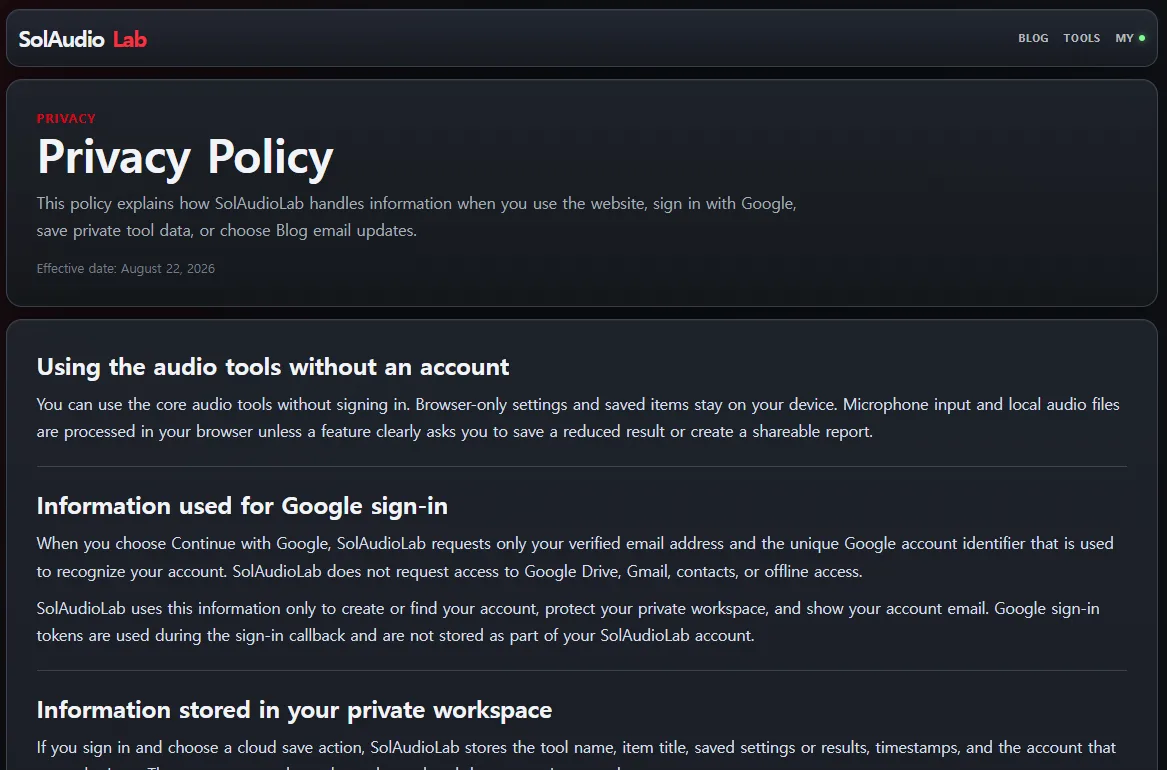
You can review the complete details in the SolAudioLab Privacy Policy.
You remain in control
You can sign out of the current device or sign out of every active SolAudioLab session.
You can delete individual private saves from their connected tools. You can also permanently delete your SolAudioLab account and its connected server data.
Signing out does not delete your private saves or personal home layout. They remain available when you sign in again.
Save important work before you lose it
Browser storage is useful, but it should not be the only place that holds work you want to keep.
If you have a pattern, setlist, preset, listening record, analysis result, or project that you may need again, save it before you clear your browser or change devices.
Sign in with Google and keep your SolAudioLab work available wherever you need it.
This feature was not created to collect members.
It was created to protect the work that users create for themselves.